
Choosing an IT Ticketing System for Your IT Team

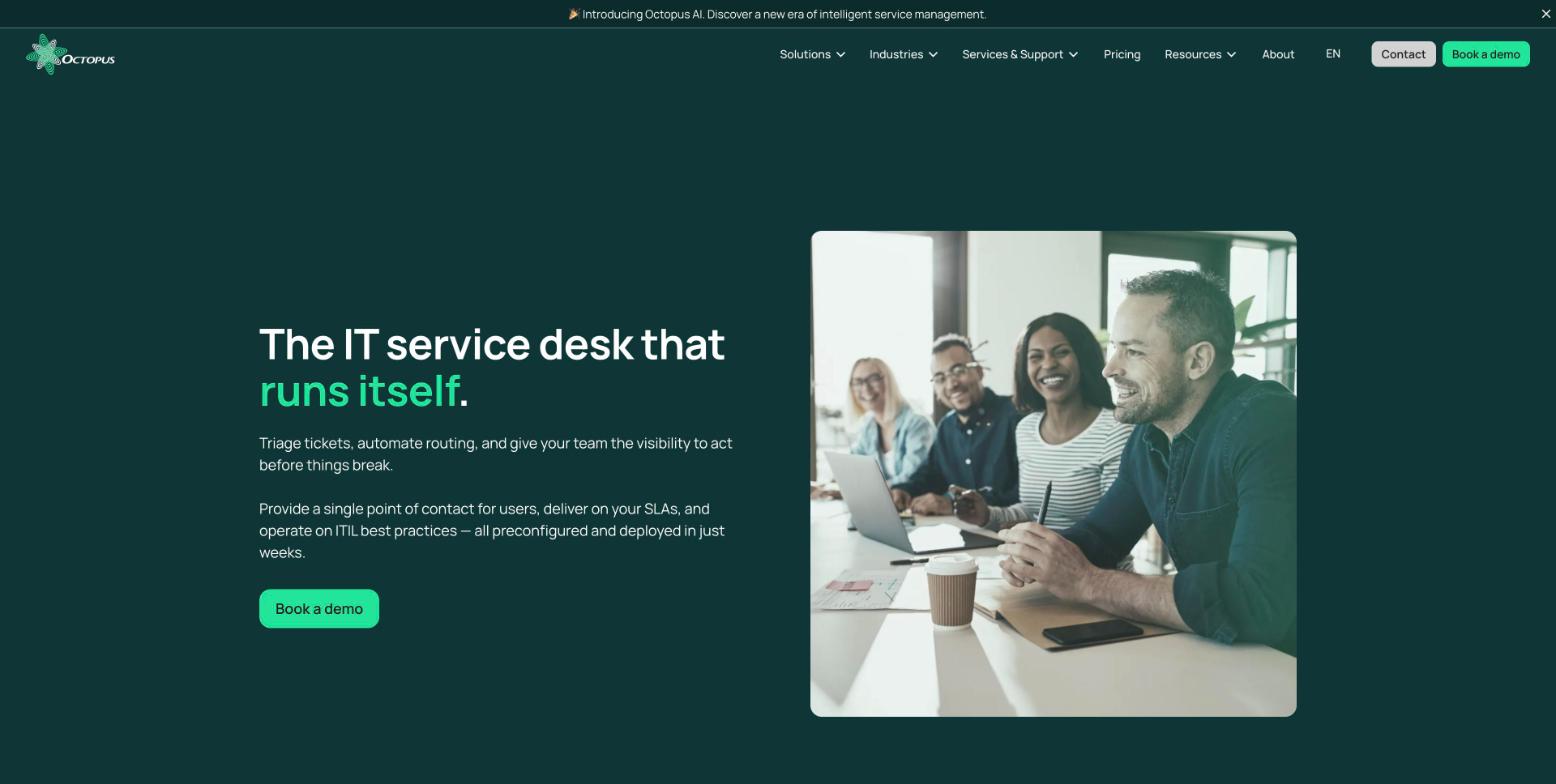
An IT team doesn't need the biggest platform. It needs a system that turns every request into visible work, helps decide what to tackle next, and that the team can run without launching a project every time something changes. The best choice comes down mainly to how much support you want from the vendor, whether you need asset management, and how much configuration work your team can realistically take on, or hand off to AI.
What matters when choosing an IT ticketing system for an IT team
The right IT ticketing system should cut administrative work before it promises a long feature list. Compare your options on five points:
- Getting started: can you set up a portal, categories and rules without starting from scratch?
- Administration: can someone on the team change a form or a workflow without a developer?
- Ticket context: does the technician see the user, the asset, the history and the priority in one place?
- Self-service: can employees find an answer and track their request without emailing several people?
- Total cost: does the price include the features your team needs, or will you have to add modules?
Feature count comes after these criteria. A feature-rich tool that gets abandoned because it takes too much administration doesn't solve an organization's problem.
Ticketing software for IT teams: 5 tools compared
The table below compares five options on team autonomy, automation and AI, and day-to-day management workload. Prices are the ones vendors display when their official page publishes them. They are in the currency and under the terms stated by each vendor.
| Solution | Strength for an IT team | Verified public price | Limitation to plan for |
|---|---|---|---|
| Octopus ITSM | Preconfigured ITIL workflows and an AI Assistant that configures the platform by conversation | $95 per active agent/month | Less suited if you only want an open source tool with no support |
| ManageEngine ServiceDesk Plus | Broad feature coverage and a free option for up to five technicians | Free for up to 5 technicians; paid cloud plans start at US$1,545/year for 10 technicians | Assets and advanced features depend on the edition |
| Jira Service Management | Good fit for a team already on Jira and Confluence | Free for up to 3 agents; Standard US$21.50/agent/month; Premium US$55.28/agent/month; Enterprise by quote | Administration feels most natural inside the Atlassian ecosystem |
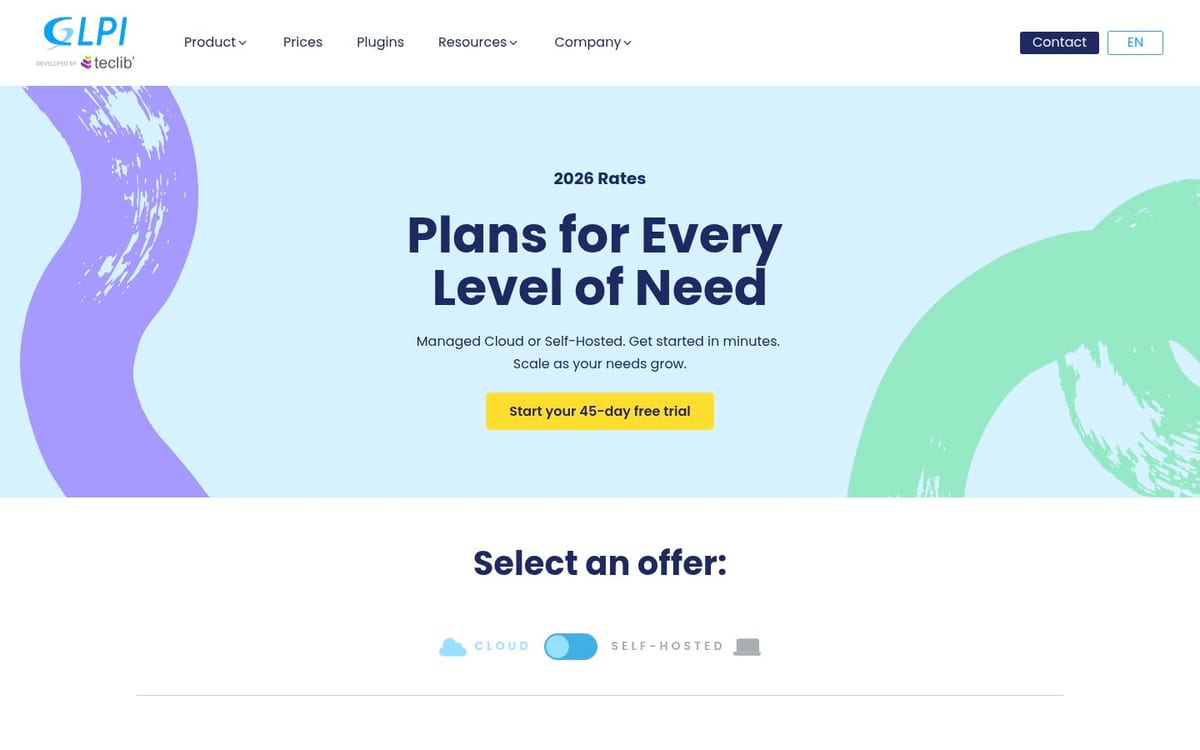
| GLPI | Control over hosting and an open source model | Self-hosted open-source software; GLPI Network Cloud from €19/user/month, excluding tax | Operations and updates are still yours to organize |
| InvGate Service Management | Portal, SLAs and automation in a clear package | US$1,499/year for 5 agents on Starter | The workflow builder starts at the Pro plan |
1. Octopus ITSM: for a team that wants to configure its service desk itself, with AI
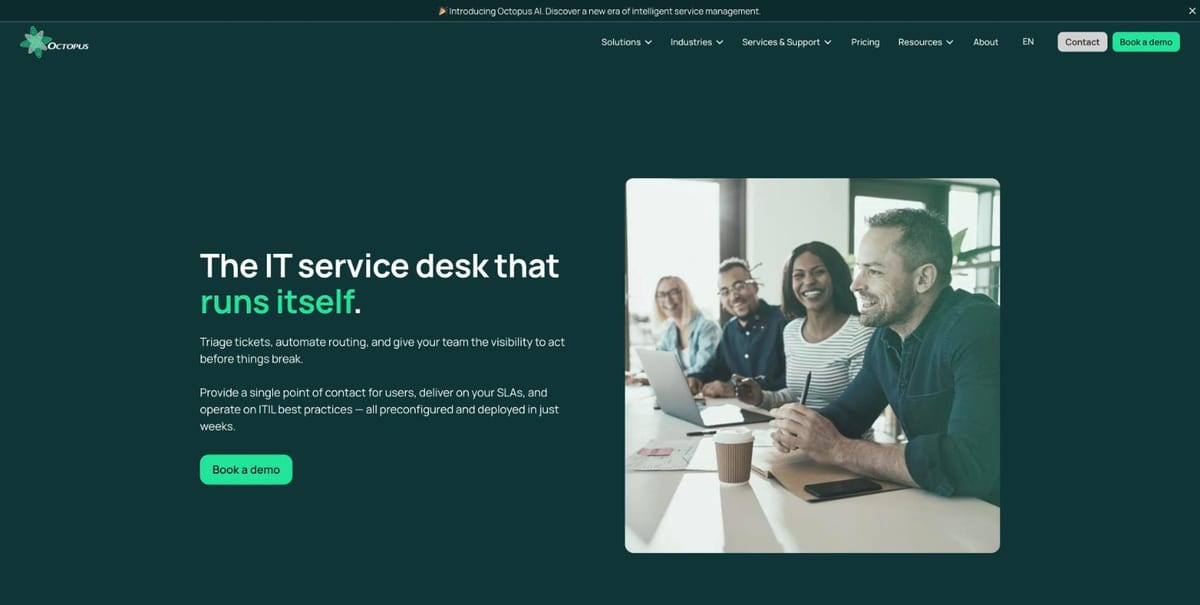
Octopus ITSM is a strong fit for an IT team that wants to structure its requests without becoming the full-time administrator of its platform. The ITSM page describes incident, request, problem, change and approval management preconfigured on ITIL best practices, a self-service portal, a knowledge base and no-code configuration.
Octopus states that more than 220 organizations rely on Octopus ITSM. This figure is published by the vendor, not an independent measure of how an organization performs.
The AI Assistant: what sets Octopus apart for a small team
With the Octopus AI Assistant, you describe what you need in plain language and it acts on the platform, instead of telling you where to click.
- Configure and evolve the platform on your own: ask for a field, a form or a workflow and the AI Assistant builds it, with no code, no developer and no outside consultant. When your request process changes, your team adapts it itself.
- Proactive recommendations: it analyzes your service data in real time, spots gaps such as missing critical fields or inconsistent configurations, and proposes concrete actions.
- Fewer repetitive tasks: it categorizes and routes requests, assigns tickets, flags duplicates and detects recurring issues, so technicians focus on priority work.
Your team stays in control: changes, assignments and priorities are proposed, and people accept, adjust or ignore them. Ask to see the AI Assistant in your demo.
What the platform includes
- Self-service web portal, service catalog and a single point of contact for requests
- Routing, priorities, approvals and escalation before an SLA breach, configurable without code
- ITIL built natively into Octopus ITSM
- CMDB and IT asset management to link a ticket to the workstation involved
- Data hosted in Quebec under Law 25, and French-language support from a local team
- Room to grow into Octopus ESM for HR, operations or facilities teams
Price: Octopus lists $95 per active agent per month, with an unlimited self-service portal and technical support. Ask whether implementation and training are part of your quote.
Best for: an IT team that wants to move from a shared email inbox and informal requests to a structured service, and wants to keep adjusting that service itself as needs change.
Limitation: a very technical IT team that only wants to download a tool, host it on its own and receive no support should compare the cost and level of service with an open source option.
2. ManageEngine ServiceDesk Plus: for covering a lot of needs across the organization
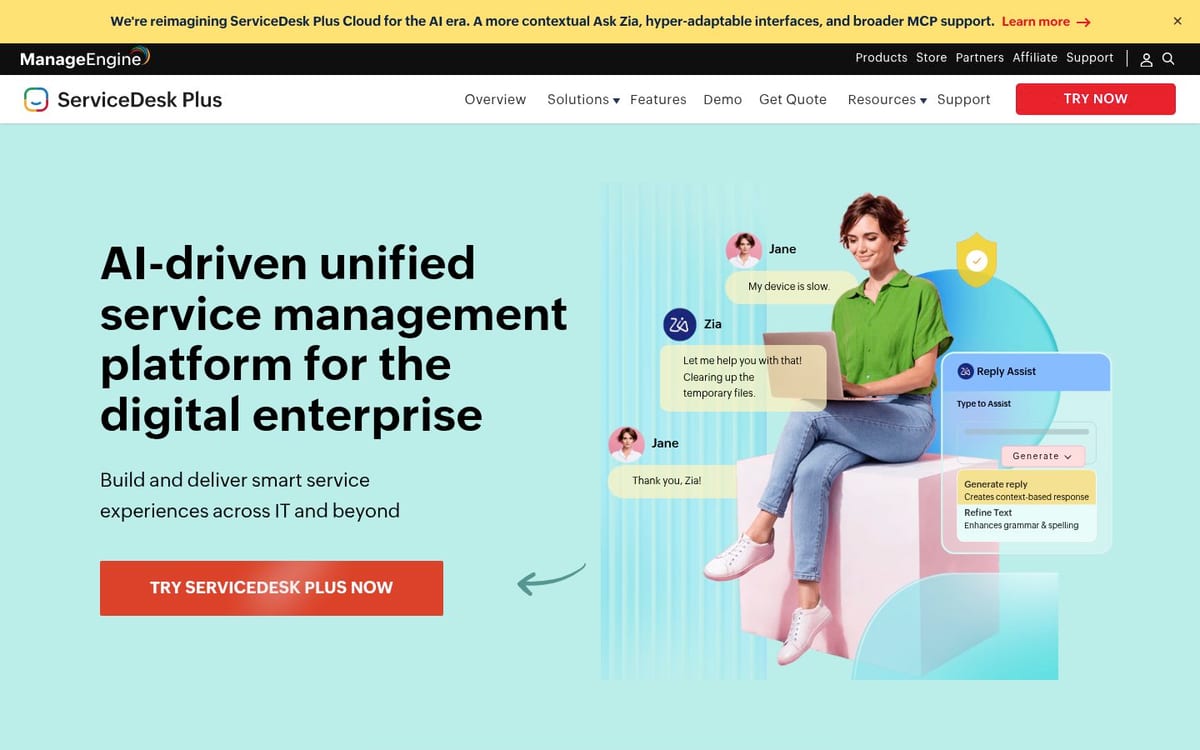
ManageEngine ServiceDesk Plus suits an IT team that wants to start with ticketing, then add asset management, a CMDB and change management. The vendor offers Standard, Professional and Enterprise editions, with both cloud and on-premises deployments.
- Standard for the service desk
- Professional for the service desk and assets
- Enterprise to add ITSM practices, change management and projects
- No license cost for end users, according to the pricing page
Price: the official page lists a free Standard edition for up to 5 technicians. Paid cloud pricing starts at US$1,545 per year for 10 Standard technicians, US$645 per year for 2 Professional technicians and 250 assets, and US$1,595 per year for 2 Enterprise technicians and 250 assets. A 30-day free trial is available for cloud and on-premises deployments.
Best for: an organization with a technical person who can compare editions and keep evolving the configuration.
Limitation: the entry price doesn't necessarily reflect the cost of the full setup. Assets, the service catalog, change management and add-on modules can push you toward a higher edition.
3. Jira Service Management: for teams already on Atlassian
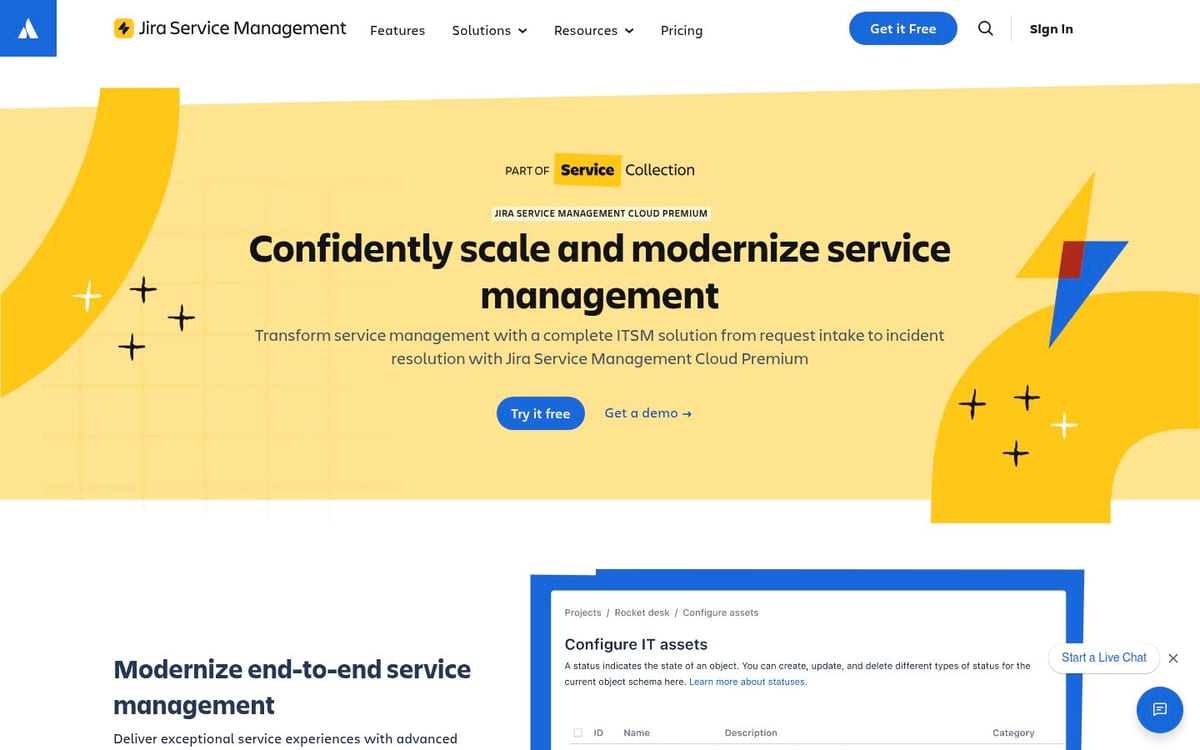
Jira Service Management is a logical option if your team already uses Jira, Confluence or Bitbucket. Its advantage isn't just tickets: incidents, changes and deployments can stay linked to development work.
- Request portal and advanced forms
- Incident and change management
- Assets and configuration items
- Automation and integrations with the Atlassian ecosystem
- A Free plan for up to 3 agents, a 14-day trial for Standard and Premium, and annual or monthly billing
Price: Atlassian lists Service Collection at US$21.50 per agent per month for Standard and US$55.28 per agent per month for Premium. Enterprise is billed annually by quote, and the Free plan supports up to 3 agents. Check the pricing page for the current calculator and billing terms.
Best for: a tech organization whose IT requests, incidents and application releases need to be tracked in the same environment.
Limitation: an IT team that doesn't already work in Atlassian may have more concepts to learn and more links between products to manage.
4. GLPI: for keeping control of the tech stack and hosting
GLPI works well for an organization that already has the skills to run open source software. The platform links each ticket to the user, the equipment and the service history, which helps with troubleshooting without searching across several systems.
- Ticketing, inventory and CMDB in a single platform
- Categorization, assignment, SLAs and automation
- Self-service portal and knowledge base
- Self-hosted deployment or the GLPI Network Cloud version
- Ecosystem of plugins and partners
Price: GLPI Network Cloud starts at €19 per user per month, excluding tax. GLPI also offers self-hosted software and paid GLPI Network subscriptions, whose prices and support vary by tier. If you host the solution yourself, add the cost of administration, backups and support to your budget.
Best for: an organization that wants to control its infrastructure, or that already has someone responsible for updates, backups and security.
Limitation: no license cost doesn't mean no work. A team without operations capacity risks underestimating the human cost of self-hosting.
5. InvGate Service Management: for starting with a clear fixed price
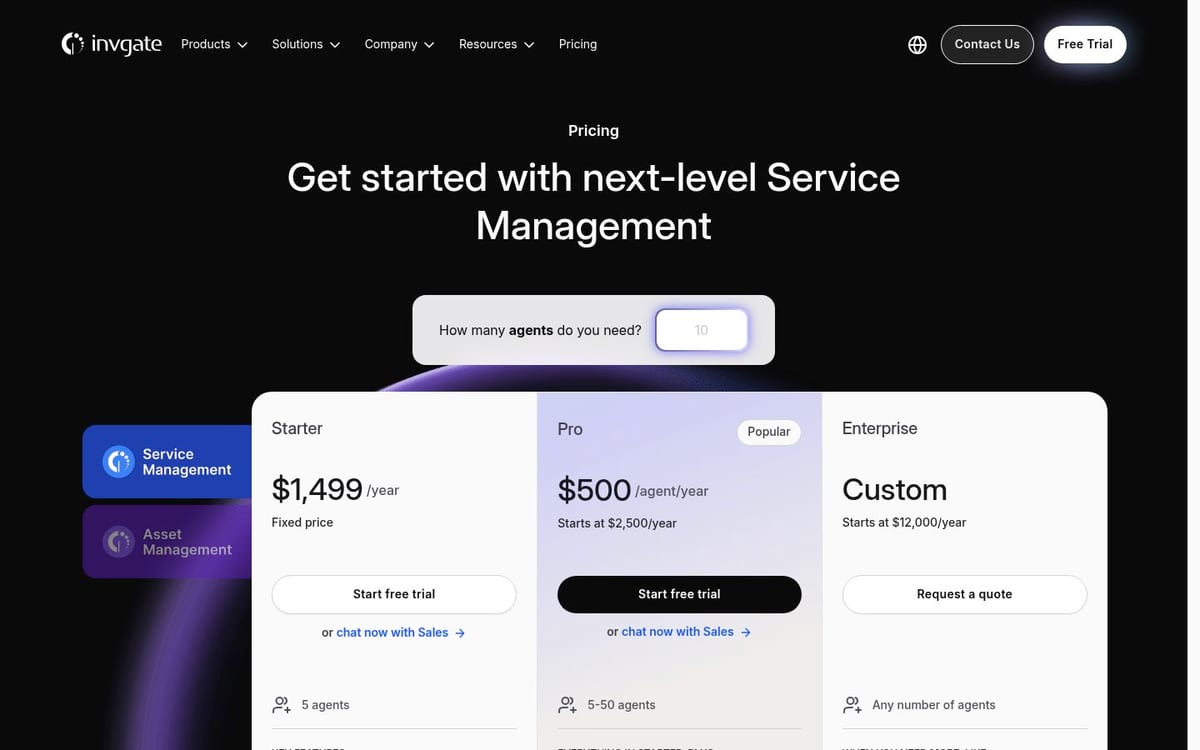
InvGate Service Management targets teams that want a portal, SLAs, approvals, reporting and automation in a structured package. The pricing page lists a fixed-price Starter plan, Pro at US$500 per agent per year with a US$2,500 minimum, and Enterprise from US$12,000 per year.
- Tickets, knowledge base, self-service portal and reporting in Starter
- SLAs, approvals and automation in the listed plans
- No-code workflow builder in Pro and Enterprise
- Integrations with Microsoft Entra ID, LDAP and email, according to the vendor's comparison table
Price: InvGate lists Starter at US$1,499 per year for 5 agents. Pro is listed at US$500 per agent per year, with a stated minimum of US$2,500 per year. Enterprise starts at US$12,000 per year, according to the official page.
Best for: an IT team that wants a clear starting budget and service desk features already bundled together.
Limitation: no-code workflows and some support features start in the higher plans. Comparing on the Starter price alone can give an incomplete picture of the real cost.
Which IT help desk tool fits your situation?
Choose based on your administration capacity first, not on how many boxes get checked in a demo.
- Choose Octopus ITSM if you want your team to configure and improve the service desk itself, with the AI Assistant handling configuration, recommendations and ticket sorting, plus preconfigured ITIL templates and French-language support.
- Choose ManageEngine if you want lots of features, a free option for up to five technicians and a path through editions.
- Choose Jira Service Management if your team already lives in Jira and needs to link tickets to development.
- Choose GLPI if technical control and self-hosting matter more than handing off operations.
- Choose InvGate if a fixed starting price and a service portal ready to structure your team are the priorities.
How to test an IT ticketing system in 10 days
A useful test has to reproduce an IT team's real work. Use the same five scenarios in every demo or trial:
- Create a software access request that requires an approval.
- Turn an email into a ticket and check how it gets assigned.
- Link an incident to a workstation or another asset.
- Add a reminder rule before an SLA deadline.
- Produce a report on open tickets, workload and response times.
If a tool offers an AI assistant, as Octopus does, ask it to build the form from scenario 1 and to categorize the email from scenario 2, then check that you approve each change before it applies.
At the end of the test, ask who will be able to change these items six months from now. If the answer is always "the vendor", the system risks becoming a new bottleneck.
FAQ
What is the best ticketing software for an organization?
The best choice is the one your team can adopt and administer without diverting its scarce support hours. Octopus ITSM suits teams looking for a preconfigured solution they can adapt themselves, including with its AI Assistant. GLPI is a better fit for organizations that want to run operations themselves.
Can AI reduce the workload of a small IT team?
Yes, mostly on sorting and configuration. The Octopus AI Assistant categorizes and routes requests, assigns tickets, detects recurring issues and builds fields, forms and workflows from a plain-language request. Each proposal is accepted, adjusted or ignored by your team, and Octopus states that no data is retained after a session. Test it on your own tickets before you buy.
Is a free IT ticketing system enough for an organization?
It can be enough to centralize simple incidents, but check the limits on technicians, assets, SLAs, reporting and support. A free product can also shift the cost to administration, backups and configuration.
What is the difference between a helpdesk ticketing system and an ITSM tool?
A ticketing system organizes requests, how they are assigned and how they are resolved. An ITSM tool adds processes such as change management, problem management, assets, service catalogs and service levels.
Which tool should an IT team already on Jira choose?
Jira Service Management is the natural candidate if incidents and changes need to stay linked to Atlassian projects and deployments. Still, test the portal and the reports with your non-technical users.
Is GLPI a good fit for an IT team?
Yes, if the organization has the capacity to manage hosting, updates and backups, or if it chooses a managed Cloud offering. It is especially valuable when the asset inventory needs to stay linked to tickets.
What should you ask a ticket management software vendor?
Ask who administers the forms, rules and integrations after deployment. Also ask about the cost of assets, support, training, modules, AI features and data export.
Sources and references
- Octopus ITSM: ITSM processes, portal, automation, CMDB and hosting.
- Octopus AI Assistant: configuration by conversation, recommendations, ticket sorting and data handling.
- Octopus pricing: price per active agent.
- ManageEngine ServiceDesk Plus, pricing: editions and verified prices.
- Atlassian, Jira Service Management: Premium capabilities and support terms.
- GLPI, ticketing tool: ticketing, inventory and hosting models.
- InvGate, pricing: plans, prices and included features.
Also to be read
Explore more articles on incident management and ITSM best practices.