
Best ITSM Software: 6 Options

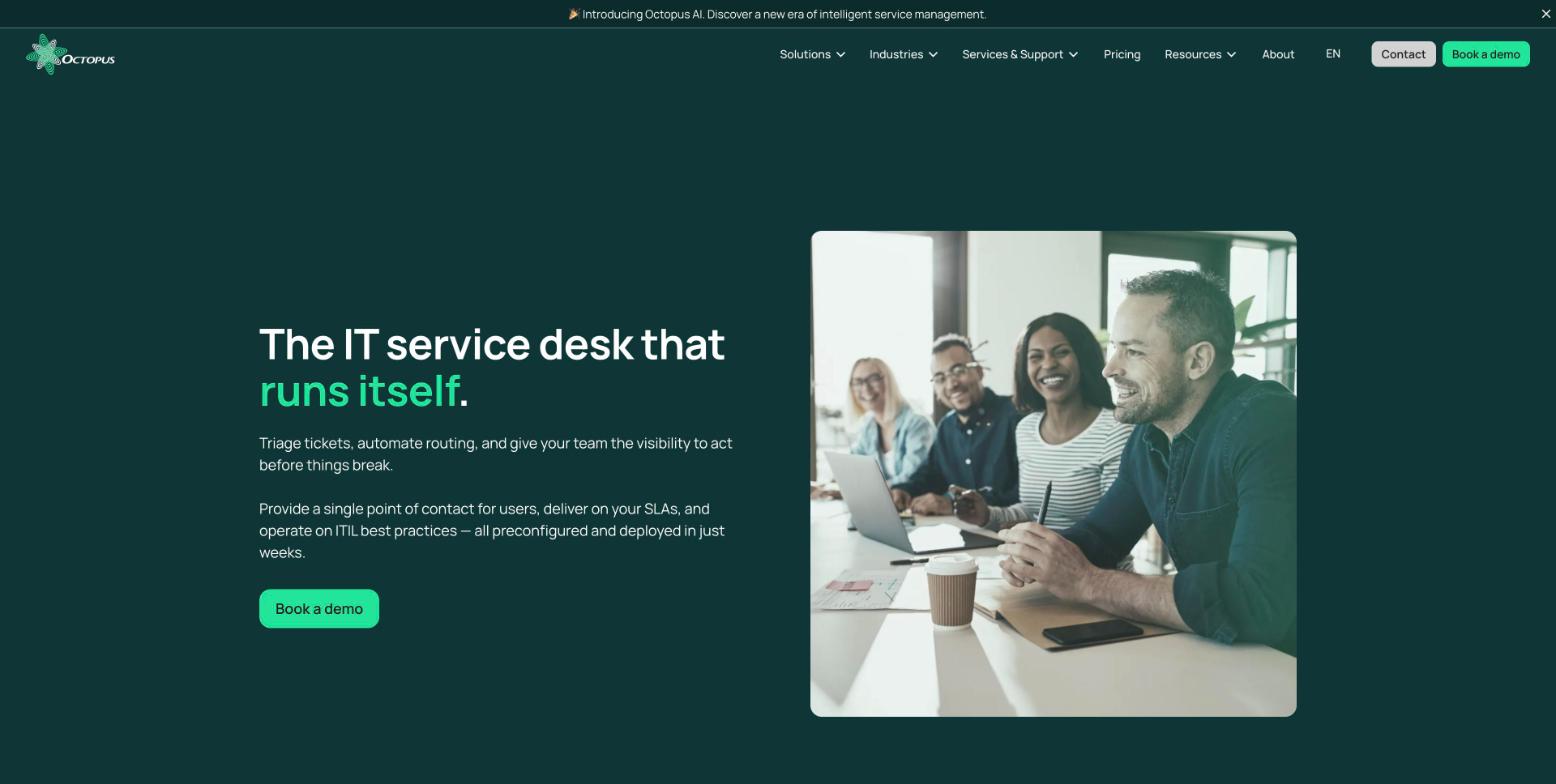
The best ITSM software is not the one with the most modules. The right choice depends on your service model, deployment requirements, integrations, data controls and the effort your team can sustain. The shortlist below keeps six options that fit different operating realities, then compares them on those criteria rather than on a simple feature list.
Which ITSM software fits your organization?
Octopus is the first option to test when an organization wants to combine ITSM with other internal services and let an AI Assistant take on configuration and repetitive work. WeITSM and H4I-ITSM focus more on isolated or on-premises deployment. GLPI suits teams that want to keep full control of an open source solution, while Jira Service Management and ServiceNow fit better into technology ecosystems that are already in place.
The deployment context changes the decision. Before choosing a SaaS or self-hosted platform, document where personal information is stored, which subprocessors can access it, how backups work and what privacy assessment your jurisdiction requires. Hosting is not a technical detail to check after the contract is signed.
ITSM tools compared
| Software | Best for | What sets it apart | Limitation to plan for |
|---|---|---|---|
| Octopus ITSM | Healthcare, education, municipalities, public sector and SMBs | AI Assistant that configures the platform by conversation, sector templates, ITSM, CMMS and ESM in a single platform | Less suited if you want a very general-purpose international platform |
| WeITSM | SMBs and municipalities that want an isolated instance | Dedicated instance, data hosted in Canada, French interface | Newer offering with a narrower scope |
| H4I-ITSM | Public or sensitive organizations that want on-premises deployment | On-premises or Canadian hosting, works in French, local AI assistant option | You need to validate integration and deployment capacity with the team |
| GLPI | Teams able to run an open source solution | Control over the code and the option to self-host | Operations, updates and support rely more on your own resources or a partner |
| Jira Service Management | Organizations already heavily invested in Jira, Confluence or DevOps | Strong link between development, operations and the service desk | The French experience and data governance must be tested in your own configuration |
| ServiceNow ITSM | Large organizations with a dedicated admin team | Broad coverage of processes and integrations | Heavier deployment, administration and total cost |
The table is there to narrow the list, not to replace a pilot. The six products do not share the same deployment model, the same level of support or the same audience.
1. Octopus ITSM: one service platform, with an AI Assistant that does the configuration
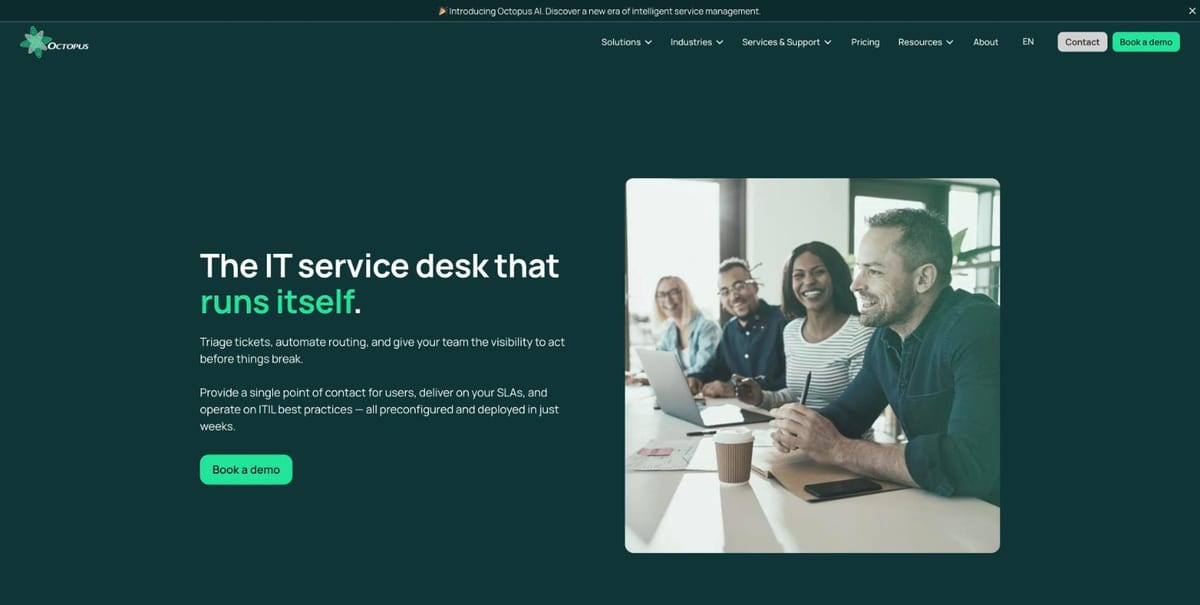
Octopus ITSM is a strong starting point for an organization that wants to structure its services without splitting IT, assets and other internal services apart. The platform covers incident, service request, problem, change and approval management, the service catalog, the CMDB, SLAs and the self-service portal. It is preconfigured on ITIL best practices and also extends into CMMS and ESM.
What teams can do with the AI Assistant. The Octopus AI Assistant is the main reason to put Octopus on a shortlist. It works through plain-language conversation and brings three benefits:
- Configure and evolve the platform on your own. Describe the field, form or workflow you need and the AI Assistant builds it, with no code, no developer and no outside consultant. Your team adapts its processes as needs change.
- Proactive recommendations. It analyzes your service data in real time, spots gaps such as missing critical fields, inconsistent configurations or incomplete inventories, and proposes concrete actions.
- Fewer repetitive tasks. It categorizes and routes requests, assigns tickets, detects duplicates and recurring issues, and raises SLA alerts, so agents focus on the work that matters.
Your team stays in control: the AI Assistant proposes changes, assignments and priorities, and people accept, adjust or ignore them.
Octopus says more than 220 organizations rely on Octopus ITSM, with more than 250,000 active users every day. These figures come from the vendor and should be validated during your reference call. The platform is hosted in Quebec, Canada, is SOC 2 Type 2 certified and Law 25 compliant, and support is offered in French.
Pricing: $95 per active user per month. The end-user web portal and technical support are included. Official pricing.
Best for: a health network, a CEGEP, a university, a government agency, a municipality or an SMB that wants a solution preconfigured for its sector and a team able to adjust workflows without waiting on a developer.
Limitation: an organization looking for a vast global ecosystem of specialized modules will need to compare integrations and the roadmap against its specific needs.
2. WeITSM: a dedicated instance for SMBs and municipalities
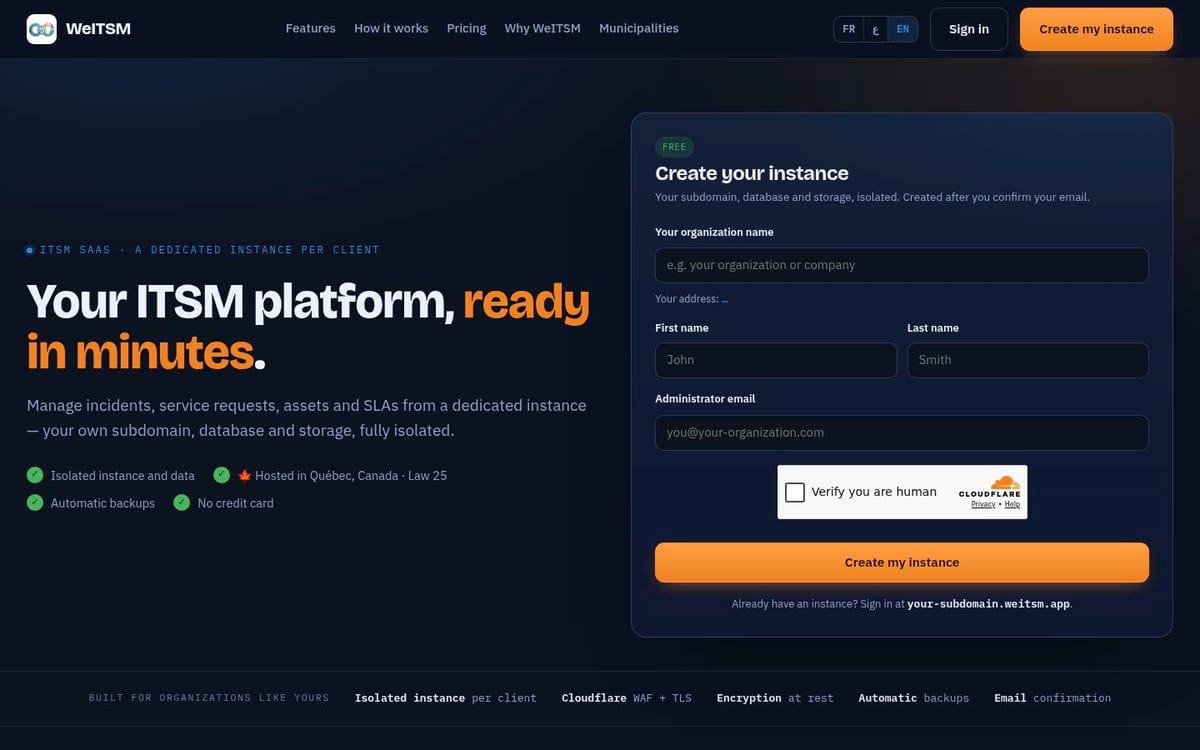
WeITSM relies on a dedicated, isolated SaaS instance for each customer. The vendor describes a database, storage and subdomain specific to each organization, hosted in Canada. The platform covers incidents, service requests, assets, the CMDB, SLAs, the knowledge base and dashboards.
This approach answers a concrete question: who shares the infrastructure, where is the data and how is access separated? It may appeal to a municipality or an SMB that wants a simple SaaS solution without adopting a very broad international suite.
Pricing: WeITSM currently lists CAD $15 per agent/month for Essentiel, $39 per agent/month for Croissance and $79 per agent/month for Pro, with an Enterprise plan available by quote. The site says prices are in CAD and billed annually. Official pricing.
Best for: a small or mid-sized organization that prioritizes an isolated instance, a French interface and a fast rollout.
Limitation: the offering is more focused. Check integrations, migration options and references in an environment comparable to yours.
3. H4I-ITSM: built for on-premises hosting
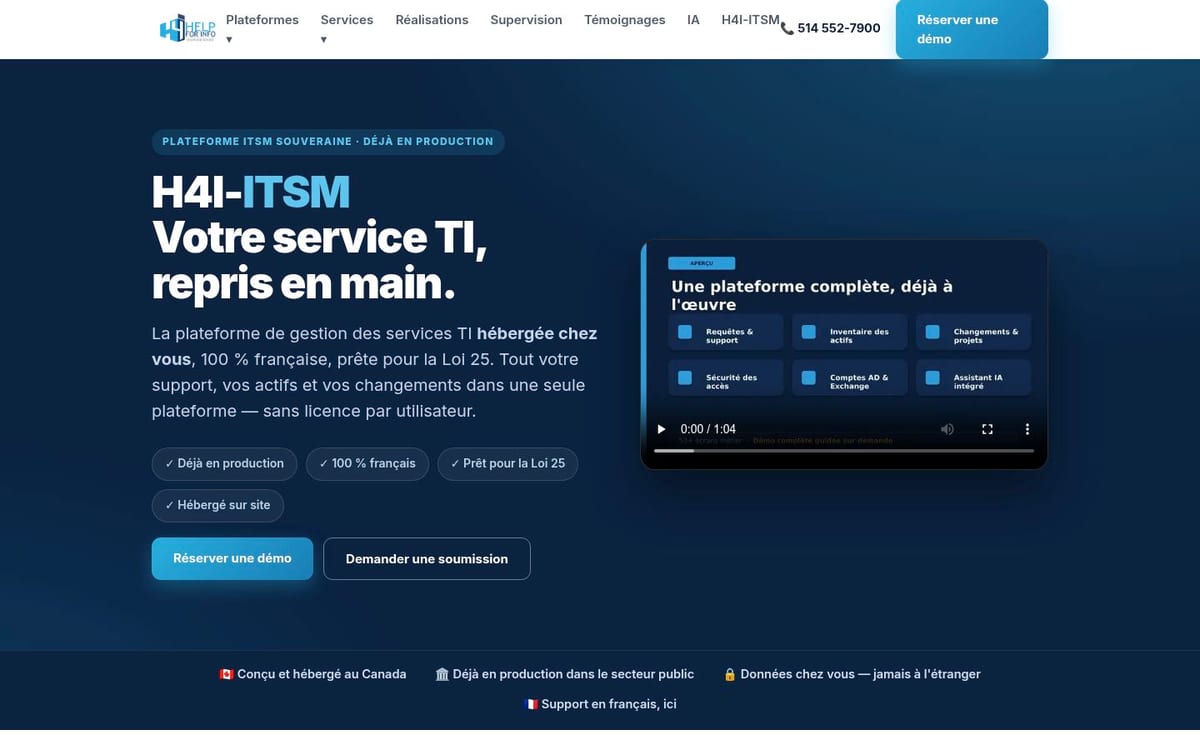
H4I-ITSM stands out with an offering hosted on premises or in Canada, advertised as 100% French. The product brings together requests, SLAs, inventory, changes, AD and Exchange accounts, roles and access logs. The vendor also offers a local AI assistant option.
For a healthcare organization or a public body, this choice deserves a close technical review. Ask for the exact architecture, backup responsibilities, the recovery plan, updates and the controls applied to sensitive data.
Pricing: not published; the vendor asks you to request a quote. The official page says H4I-ITSM has no per-user licence model and offers on-premises or Canadian hosting. Official product page.
Best for: an organization that does not want its operational data to leave its own infrastructure, or that has strict sovereignty requirements.
Limitation: on-premises hosting shifts part of the operating responsibility to your team. Price out servers, backups and support before comparing it with a SaaS option.
4. GLPI: the open source choice for keeping control
GLPI is an open source option that combines IT ticketing, IT asset inventory, CMDB, SLAs, a self-service portal and a knowledge base. An organization can self-host it or choose a managed Cloud offering. The official site advertises a 45-day Cloud trial, which lets you test workflows before deciding on an operating model.
GLPI is worth a look if you already have a Linux team, a release management process and a partner who can step in. Open source code does not remove the administration work: it gives you more control, but also more responsibility.
Pricing: the self-hosted software remains available without a licence fee. For paid support, GLPI lists GLPI Network Basic at EUR 100/month for up to 10 technician agents, Standard at EUR 300/month for up to 50, Advanced at EUR 1,000/month for more than 50, and Enterprise at EUR 4,500/month. GLPI Network Cloud starts at EUR 19 per technician/month for Public Cloud and EUR 21 per technician/month for Private Cloud, before tax. A 45-day Cloud trial is available. Official pricing.
Best for: a team that wants to control hosting, avoid per-end-user licensing and adapt the solution with its own skills.
Limitation: the quality of the result depends on your ability to maintain the platform, document changes and get support when an incident blocks administration.
5. Jira Service Management: a direct link with DevOps
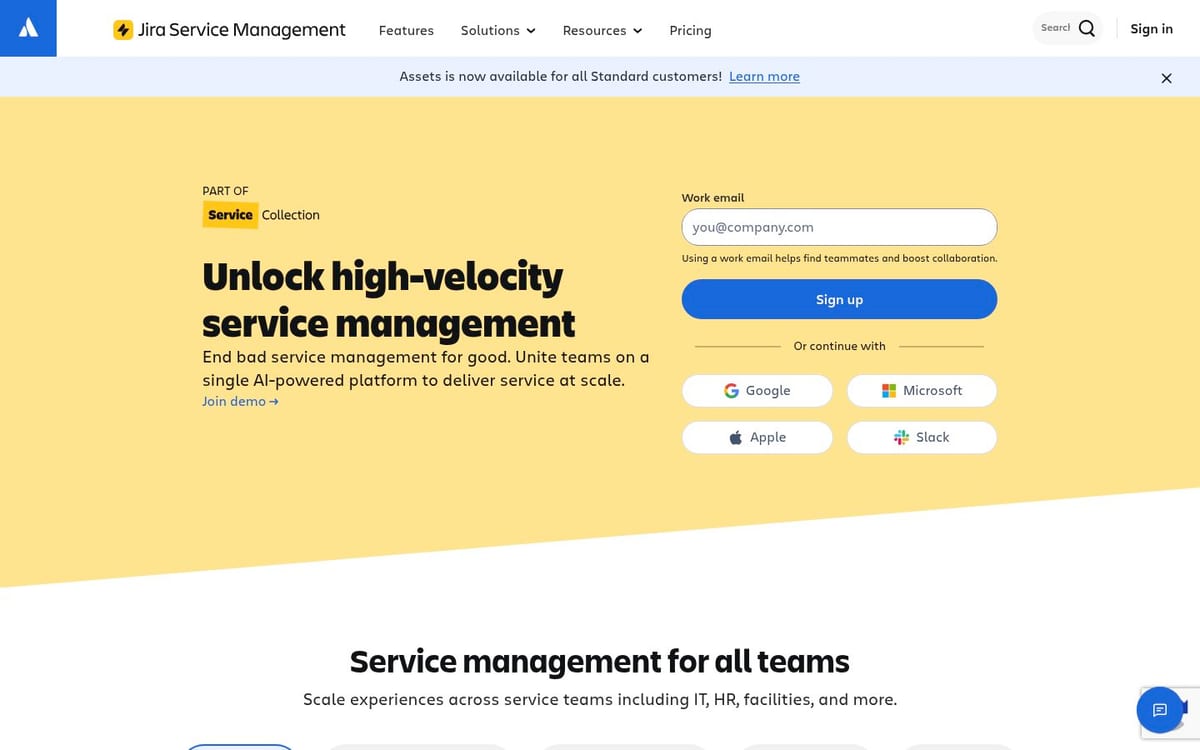
Jira Service Management suits teams that already work in the Atlassian ecosystem. Its service desk brings together requests received by email, portal, Slack or Microsoft Teams. Queues, SLAs, assets, the knowledge base and links to development teams can speed up the path from an incident to a fix.
Atlassian explains that Jira Service Management connects development and support teams on a single platform. That is a real advantage for a product organization or an IT team that ships often. It is not automatically the best choice for an organization that wants a sector-specific model, local support or simple data governance.
Pricing: the Free plan is free forever for up to 3 agents. The current listed Cloud prices are $21.50 per agent/month for Standard and $55.28 per agent/month for Premium; Enterprise is billed annually by quote. Official pricing.
Best for: a DevOps team that wants to connect incidents, changes, requests and releases.
Limitation: administration becomes less intuitive if you already have many Atlassian projects, permission schemes and integrations.
6. ServiceNow ITSM: broad coverage for large organizations
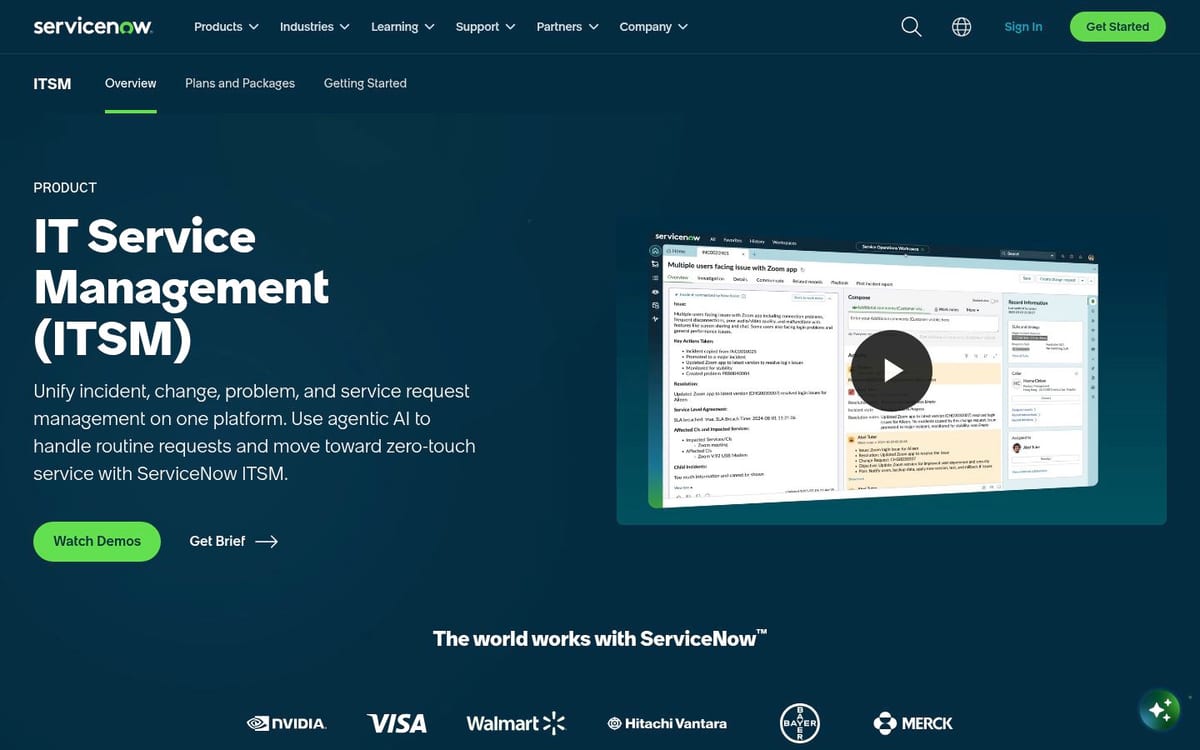
ServiceNow ITSM targets organizations that need a highly configurable platform for incidents, changes, problems, assets, services and operations. Its scope becomes relevant when several teams, subsidiaries or vendors must work under shared rules.
ServiceNow's strength is also its constraint. It requires platform governance, skilled administrators and a realistic implementation budget. Plan for a quote process and compare the cost of configuration, support and future changes, not just the license.
Pricing: quote-based, depending on modules, users and scope. ServiceNow does not publish standard ITSM rates on the official product page, so request a current quote and confirm which modules, users, implementation services and support are included. Official product page.
Best for: a large organization that can fund a platform team and needs to orchestrate complex processes at scale.
Limitation: it can be overkill for an IT team that mainly wants to replace a shared email inbox and track its SLAs.
What criteria should you use to choose the best ITSM software?
The right ITSM software should pass six tests before the final demo.
- Language and adoption: the portal, notifications, knowledge base and support must work in every language your users need, French included if you serve French-speaking staff, not just the main menu.
- Data and privacy: document hosting regions, subprocessors, backups, administrator access and the PIA process.
- Multi-site reality: test an incident that affects several facilities, an asset that gets moved and an escalation to a central team.
- Administration: ask your team to create a category, a form, an assignment rule and a report without help from the vendor. If the tool has an AI assistant, ask it to make the same changes and compare the time.
- Repetitive work: check how requests get categorized, routed and assigned, and how duplicates and recurring issues are flagged.
- Operational proof: require an audit export, an SLA report and the full history of a ticket linked to an asset.
A tool can have every ITIL feature and still be the wrong choice if your users keep sending their requests by phone or email. Adoption is measured during a pilot, not in a sales presentation.
How do you run a four-week ITSM pilot?
A useful pilot is limited to one service, one group of users and a few real scenarios. Do not try to model the whole organization before you have validated the basic workflow.
- Week 1: import a small sample of anonymized tickets and configure five frequent requests.
- Week 2: test the portal in each language you need, emails, SLAs, routing and approvals.
- Week 3: link a few assets, measure user effort and ask two agents to modify a workflow.
- Week 4: compare response time, data quality, portal usage rate and administration time.
At the end, choose the tool that works with your current constraints. A feature promised on a roadmap should not count as an available feature.
Which ITSM software should you choose?
Choose Octopus ITSM if you want ITSM, CMMS and internal services on one platform, and a team that can configure workflows, get recommendations and offload repetitive triage through the AI Assistant.
Choose WeITSM or H4I-ITSM if an isolated instance or on-premises hosting comes first.
Choose GLPI if you have the skills to run open source in-house.
Choose Jira Service Management if your teams already live in Atlassian tools, and ServiceNow if you can fund a dedicated platform team.
FAQ
What is the best ITSM software for a municipality?
Octopus, WeITSM and H4I-ITSM are the first candidates to test if French language, controlled hosting and sector-specific processes are priorities. Octopus offers templates preconfigured for municipalities and hosts Canadian data in Canada. GLPI can also work if the municipality has the skills to administer it.
What can an AI assistant do in ITSM software?
It depends on the vendor, so test it on your own requests. The Octopus AI Assistant, for example, builds fields, forms and workflows from a plain-language description, recommends fixes for gaps in your data, and categorizes, routes and assigns requests while flagging recurring issues. Your team approves every change.
Which ITSM software offers a French-language portal?
Octopus, WeITSM and H4I-ITSM put a French experience at the core of their offering. Jira Service Management and GLPI also have French resources, but you should test notifications, forms and support in your own instance.
Should you choose ITSM software hosted in a specific region?
Not in every case, but data location and data transfers must be documented. Ask the vendor where production data, backups and support access are located, then check those details against the privacy rules that apply to your organization.
Is GLPI a good alternative to commercial ITSM tools?
Yes, if your team can handle installation, updates, security and backups. GLPI becomes less attractive if you want highly structured vendor support without committing internal technical resources.
Which ITSM platform should you choose for a DevOps environment?
Jira Service Management is the natural candidate if your teams already use Jira, Confluence and other Atlassian tools. Still, check permissions, data residency and the needs of non-technical teams before rolling it out more widely.
Is ServiceNow a good fit for an SMB?
ServiceNow can suit an SMB with complex processes and a dedicated admin team, but it will often be too heavy for a small team that only wants to structure its service desk. Compare the total project cost and your team's real capacity to maintain the platform.
Sources and references
- Octopus ITSM: processes, automation, governance and figures reported by the vendor.
- Octopus AI Assistant: configuration by conversation, recommendations, repetitive tasks.
- Octopus pricing: price per active user, hosting and French-language support.
- WeITSM: dedicated instance, hosting and pricing.
- H4I-ITSM: on-premises hosting, features and sovereignty positioning.
- GLPI and GLPI pricing: open source model, features, Cloud trial and support plans.
- Atlassian, Jira Service Management and Jira Service Management pricing: service desk, request channels, plans and prices.
- ServiceNow ITSM: official product overview.
- Commission d'accès à l'information du Québec: PIA requirements and disclosure of personal information outside the province.
Also to be read
Explore more articles on incident management and ITSM best practices.