
ManageEngine Alternatives: IT Service Desk Software

ManageEngine ServiceDesk Plus is a broad platform, but it isn't the right fit for every service desk. The best alternative depends on what you need to change: cloud-only delivery, on-premises control, simpler administration, deeper workflow ownership, or a platform your own team can configure with AI. This shortlist compares five options on those decision points rather than treating every ITSM tool as interchangeable.
The five alternatives at a glance
The strongest replacement depends on the constraint that made you look beyond ServiceDesk Plus in the first place. Use this table to narrow the field before booking demos.
| Alternative | Best fit | Deployment and control | Main trade-off |
|---|---|---|---|
| Octopus ITSM | Organizations that want a preconfigured service desk their own team can adapt, including through an AI Assistant | Cloud, data hosted in Canada, no-code configuration, AI Assistant | Validate integrations specific to your stack |
| Jira Service Management | Teams already working in Jira and DevOps | Cloud plans plus Data Center for a self-managed environment | Best results usually require Atlassian expertise and careful configuration |
| Freshservice | Teams that want a polished cloud service desk with quick setup | Cloud-first, with multiple portal and workflow options | Advanced ITSM and AI features sit in higher tiers or add-ons |
| GLPI | Organizations that value open-source control and asset visibility | Self-hosted or hosted options, depending on the edition and provider | Your team or partner carries more responsibility for administration |
| InvGate Service Management | Organizations replacing a complex platform with no-code administration | Cloud service management with embedded AI and integrations | The no-code workflow builder starts at the Pro plan; on-premises hosting is Enterprise only |
1. Octopus ITSM: the alternative your own team configures, with AI
Octopus ITSM is a strong alternative for an organization that wants ITIL-aligned service management without building every workflow from scratch, and without depending on a specialist for every change. Its page says more than 220 organizations rely on Octopus ITSM, and its platform combines incident, request, problem, change, backlog and approval management with a self-service portal, CMDB, SLA tracking and no-code configuration.
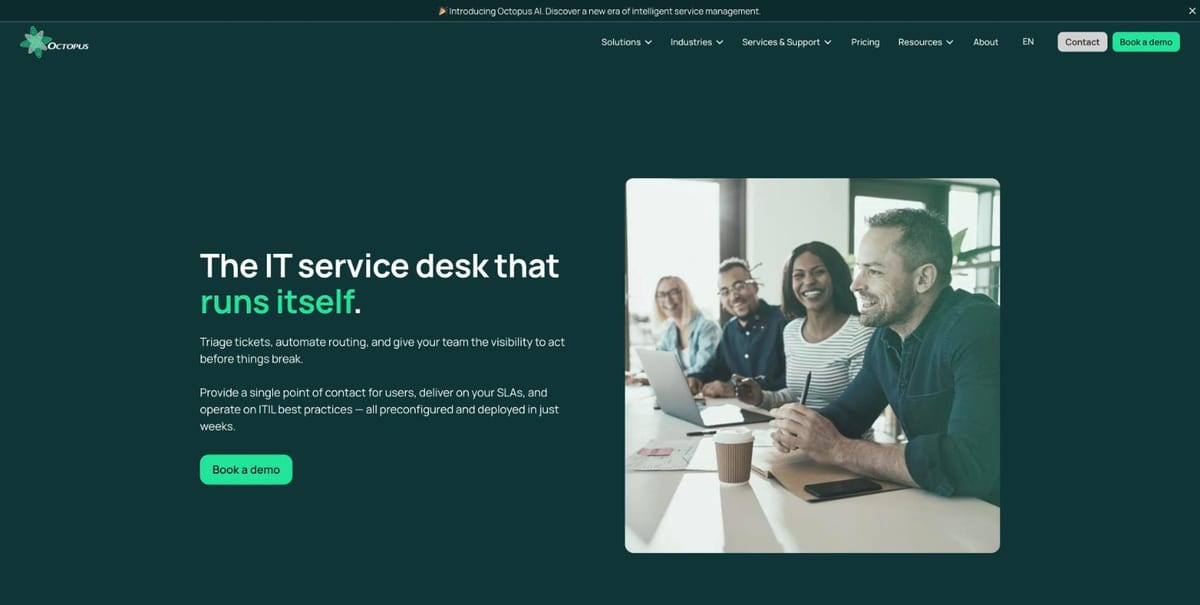
Octopus is a practical choice when the problem with ServiceDesk Plus is not a missing feature. The problem may be the work required to turn a broad feature set into a service desk that matches how your teams actually operate.
The AI Assistant: configuration work your team no longer outsources
The Octopus AI Assistant is the main reason to put Octopus on a ServiceDesk Plus replacement shortlist. You describe what you want in plain language and it makes the change, instead of pointing you to a menu.
- Configure and evolve the platform on your own: ask for a field, a form or a workflow and the AI Assistant builds it in real time, with no code, no developer and no outside consultant. Your team adapts its processes as needs change, and the assistant documents the changes made in a session.
- Proactive recommendations: it analyzes your service and asset data in real time, spots gaps such as missing critical fields, inconsistent configurations or incomplete inventories, and proposes concrete actions.
- Fewer repetitive tasks: it categorizes and routes requests, assigns tickets, detects duplicates and recurring issues, and prioritizes by impact, so agents focus on higher-value work.
People stay in control: every change, assignment and priority is proposed, then accepted, adjusted or ignored by your team.
Why teams choose it
- Preconfigured templates for sectors such as healthcare, education, municipalities, public organizations and SMBs
- Workflows, forms and automation that your team can adjust without writing code, by hand or through the AI Assistant
- Data hosted in Canada and SOC 2 Type 2, listed on the product page, plus French-language support
- A self-service portal, service catalog, knowledge base and automatic escalation
- ITSM, enterprise service management and asset management in one platform
Best for: teams that need a service desk adapted to their sector and want to keep evolving it themselves, without a long configuration project.
Limitation: Octopus publishes $95 per active agent per month. Implementation and training can be billed as professional services. Ask for a complete quote before comparing total cost with ServiceDesk Plus.
2. Jira Service Management: for Jira and DevOps teams
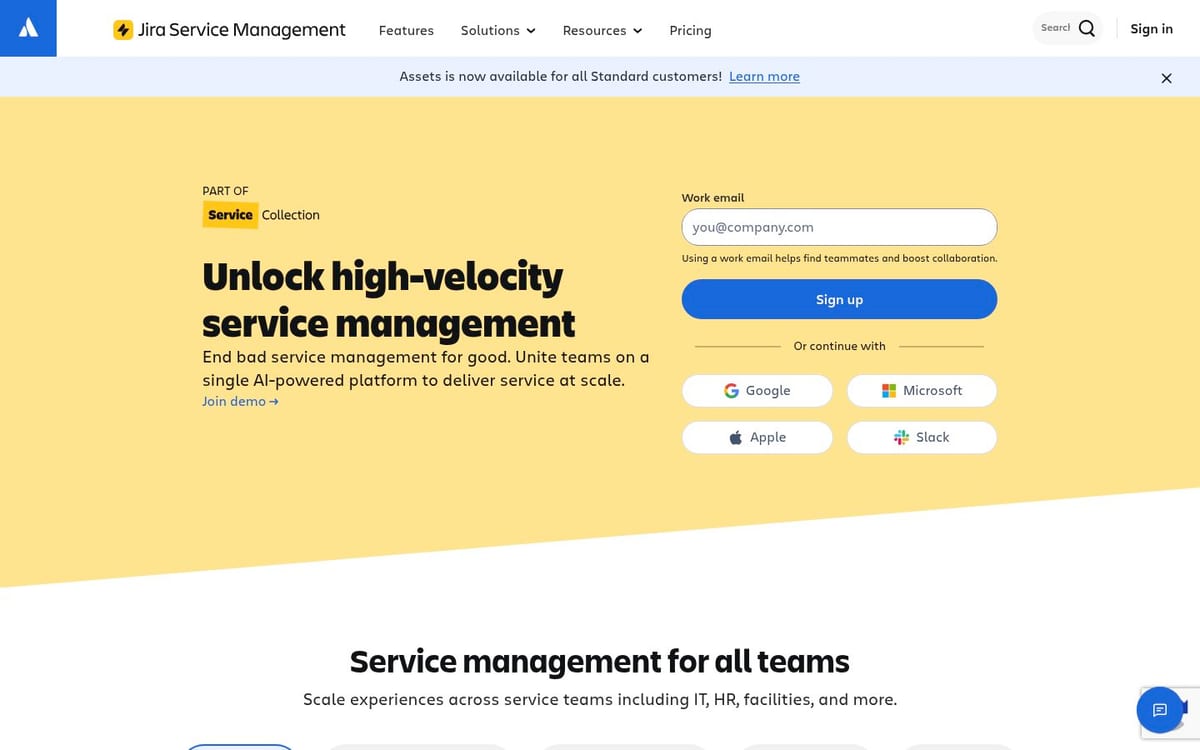
Jira Service Management is the strongest alternative when development, operations and service support already run in the Atlassian ecosystem. Atlassian lists request, incident, problem, change, asset, configuration and knowledge management as core capabilities, along with an open REST API and integrations.
Jira changes the comparison. You aren't only replacing a ticketing tool. You are connecting service requests to the work developers and operations teams already track in Jira. That can reduce handoffs for organizations with a mature DevOps practice.
Best for: teams that already use Jira Software, Confluence or other Atlassian products and want incidents and changes connected to delivery work.
Limitation: the platform can feel like a better fit for technical teams than for employees who simply need an obvious service portal. Confirm request types, permissions, reporting and French-language requirements in a pilot rather than relying on a feature checklist.
Jira offers Free, Standard, Premium and Enterprise plans, and Atlassian also lists Data Center for organizations that need a self-managed environment. Since the price depends on the current plan, user count and billing arrangement, check the official Jira Service Management pricing page before budgeting.
3. Freshservice: for a polished cloud rollout
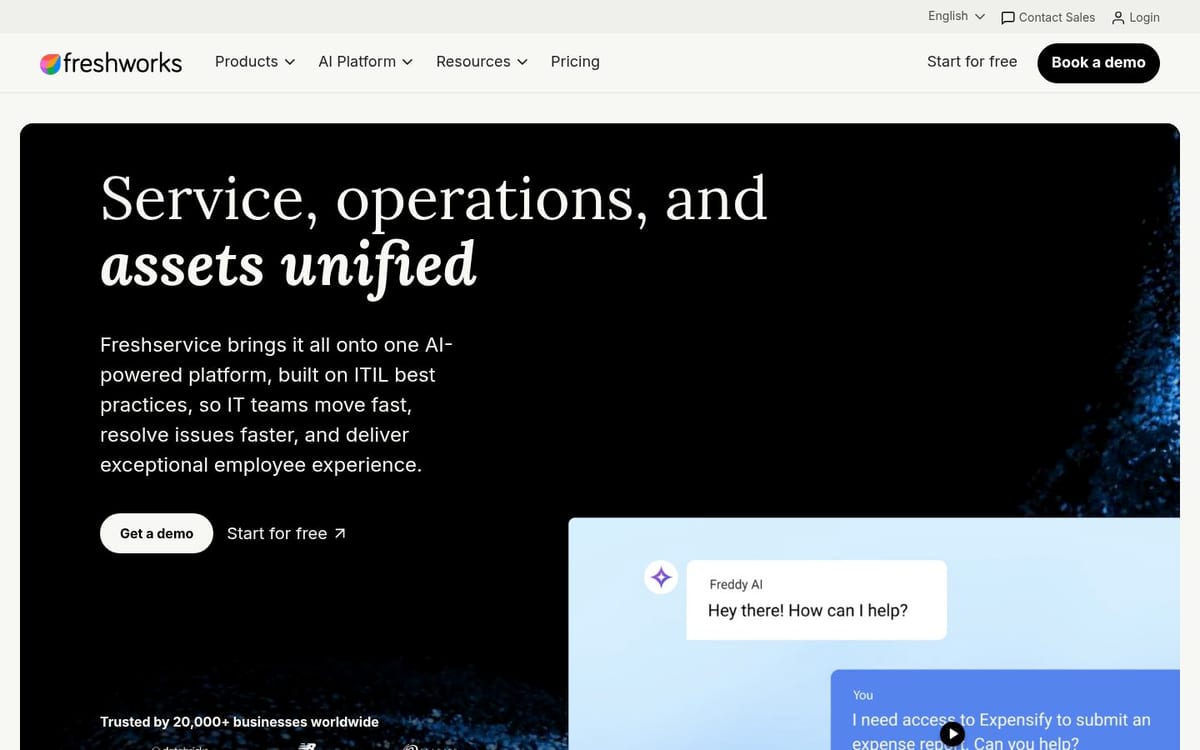
Freshservice is a good ServiceDesk Plus alternative for teams that want a cloud-first service desk with a short path from configuration to daily use. Its feature set includes incident, problem, change, asset and knowledge management, service catalogs, SLA management, workflow automation and enterprise service management.
Freshworks publishes a clear entry point. The official pricing page lists Starter at US$19 per agent per month when billed annually, Growth at US$49, and Pro at US$99. Freddy AI Copilot is listed as an add-on at US$29 per agent per month.
That structure makes Freshservice easier to price at the start than a platform where modules and services require a custom quote. It also makes the tier boundaries important. Service catalog, SLA management and on-call management begin in Growth, while problem management, change management and major incident management begin in Pro.
Best for: teams that want a clean cloud service desk, published starting prices and guided workflows.
Limitation: the lowest advertised tier may not include the ITSM practices you need. Compare the full tier, IT asset package, AI add-ons and user count instead of comparing only the Starter price.
4. GLPI: for open-source and asset-first control
GLPI is the most relevant alternative when your priority is control over the platform and a detailed inventory of equipment. The official feature list covers tickets, problems, changes, forms, SLAs, recurring tickets, computers, software, network equipment, contracts, licenses, knowledge management, reports and a CMDB.
GLPI takes an asset-first approach. A ticket can be connected to the computer, network device, software, contract or user involved. That context is useful for teams that want support history and inventory in the same record.
Best for: organizations with the technical capacity to manage an open-source platform or a trusted GLPI service partner.
Limitation: open-source control does not remove operational work. You need a clear plan for hosting, upgrades, backups, security, plugins, support and ownership of customizations.
GLPI offers pricing and hosted options through its GLPI Network services. Treat a self-hosted deployment and a hosted subscription as different operating models when you calculate total cost.
5. InvGate Service Management: for no-code workflow ownership
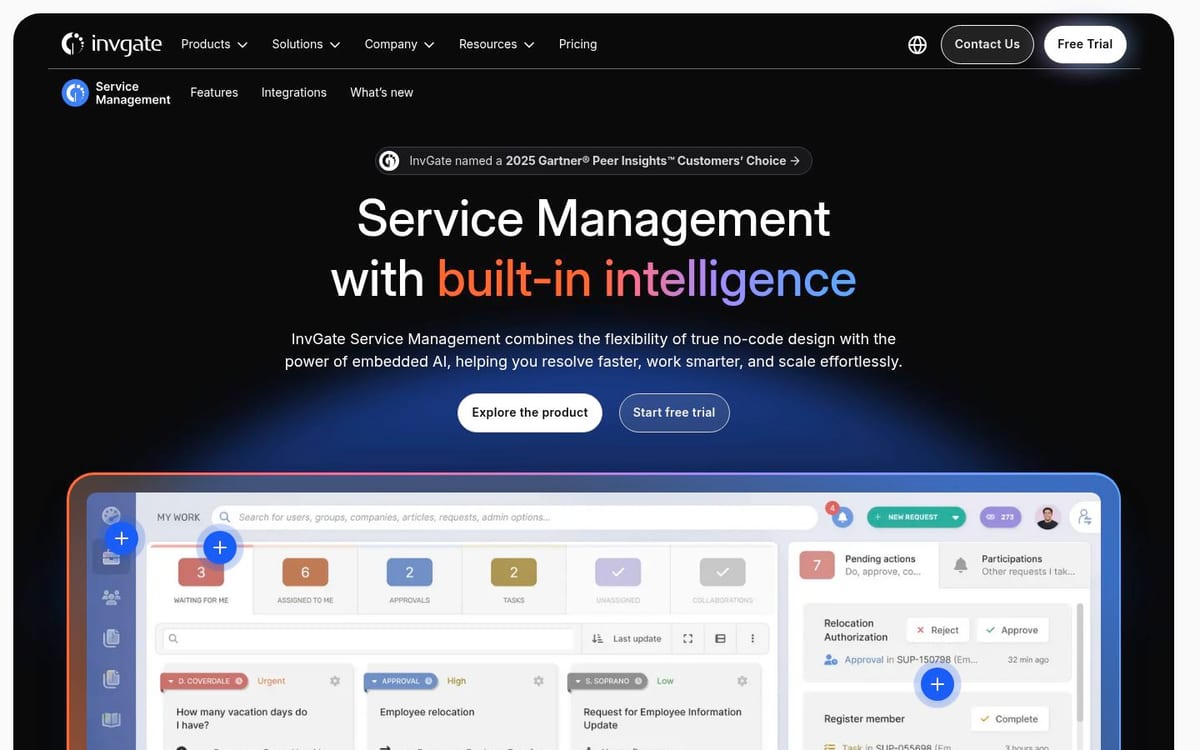
InvGate Service Management is a strong candidate for teams leaving ServiceDesk Plus because routine changes still depend on specialized administrators or external help. InvGate positions its platform around a visual no-code workflow builder, embedded AI, self-service, knowledge management, service levels, analytics and integrations.
The product page says its AI Hub can summarize tickets, suggest answers, generate knowledge and support a virtual service agent. It also describes workflow generation from plain-language instructions, with the resulting workflow remaining editable before publication.
Best for: organizations that want service desk administrators to own workflows, automations and reporting without coding.
Limitation: the no-code model still needs governance. Without naming conventions, approval rules and change ownership, it is easy to create a flexible platform that becomes difficult to manage.
InvGate publishes its pricing: Starter at US$1,499 per year for 5 agents, Pro at US$500 per agent per year with a US$2,500 minimum, and Enterprise from US$12,000 per year. The workflow builder starts at Pro, and on-premises hosting is listed only for Enterprise. A free trial is available. Ask for a quote that includes assets, implementation and support.
How to choose a ServiceDesk Plus replacement
The right replacement is the one that removes your current constraint without creating a new one. Score each finalist against the same five checks.
1. Identify the deployment decision
Choose cloud when your priority is speed, vendor-managed updates and less infrastructure work. Choose self-managed deployment when data location, network isolation or internal control outweighs the extra administration.
ServiceDesk Plus supports both cloud and on-premises deployment. That flexibility is useful, but it also means your shortlist should compare like with like. A cloud-to-cloud migration and a cloud-to-self-hosted migration have different security, staffing and continuity questions.
2. Test the administrator experience
Ask an administrator to create a request type, route it by category, add an approval and change the SLA. Do not let the vendor complete this exercise for you. If the platform has an AI assistant, run the same exercise through it and check that every change waits for your approval.
The important question is not whether the platform can do it. It is whether your team can do it safely three months after launch, when the original implementation consultant is no longer in the room.
3. Trace one ticket to its asset and service
Pick a real incident and follow it from intake to resolution. Check whether the agent can see the affected asset, service, ownership, history, SLA and related changes without opening several disconnected tools.
This test separates a ticketing system from a service management platform. It also exposes whether a CMDB is useful in daily work or exists mainly as a project deliverable.
4. Calculate the full cost
Include technicians, assets, add-ons, implementation, data migration, training, support, integrations and administration time. ServiceDesk Plus publishes plans starting at US$13 per technician per month for its on-premises Standard edition, US$27 for Professional and US$67 for Enterprise, based on the official pricing page reviewed in October 2026. Cloud and on-premises prices differ, and Professional and Enterprise pricing also considers IT assets.
Use published prices as a starting point, not as the business case. A lower license price can lose its advantage if your team needs months of configuration or outside help for ordinary changes.
5. Run a small pilot
Use one team, 10 to 15 common request types, one approval workflow and one SLA policy. Run real tickets for two to four weeks and measure portal adoption, routing accuracy, response time, resolution time and administrator effort.
Keep the pilot narrow. You are testing whether the platform fits your work, not trying to configure the whole organization before anyone has used it.
Which alternative should you pick?
Choose Octopus ITSM if you want your own team to configure and evolve the service desk, with the AI Assistant building fields, forms and workflows on request, recommending improvements and taking ticket sorting off your agents' plates, plus sector templates and data hosted in Canada.
Choose Jira Service Management if your service desk must connect tightly to Jira and DevOps delivery work.
Choose Freshservice if you want a polished cloud rollout and a public starting price, and its tier structure matches your required ITSM practices.
Choose GLPI if open-source control and asset inventory matter more than minimizing platform administration.
Choose InvGate Service Management if no-code workflow ownership and embedded AI are the main reasons you are replacing ServiceDesk Plus.
FAQ
What are the best ServiceDesk Plus alternatives?
The strongest options are Octopus ITSM, Jira Service Management, Freshservice, GLPI and InvGate Service Management. The best choice depends on whether you prioritize AI-assisted configuration your team controls, Atlassian integration, cloud simplicity, open-source control or no-code administration.
Can an AI assistant make a service desk easier to administer?
Yes, if it acts on the platform rather than only answering questions. The Octopus AI Assistant creates fields, forms and workflows from a plain-language request, recommends fixes for gaps in your data, and categorizes, routes and assigns tickets. Your team approves each proposal. Test it during a pilot on your own request types.
Is Jira Service Management better than ManageEngine ServiceDesk Plus?
Jira Service Management is usually the better fit for organizations already using Jira and DevOps workflows. ManageEngine remains attractive when you want a broad IT management ecosystem, cloud or on-premises deployment, and published entry pricing.
Is there free IT service desk software?
Some platforms offer a free plan, free edition or free trial, but the limits differ. ManageEngine lists a Standard cloud edition free for up to five technicians, while GLPI provides open-source options and Freshservice advertises a trial. Check hosting, support, asset limits and administration effort before treating a free license as free software.
Which service desk software supports on-premises deployment?
ManageEngine ServiceDesk Plus supports on-premises deployment, and Jira Service Management lists Data Center for self-managed environments. GLPI can also be self-hosted. Confirm the supported versions, upgrade process, backup model and vendor support terms before choosing this route.
What should I compare in cloud service desk software?
Compare request and incident workflows, service catalogs, SLAs, asset and CMDB context, reporting, integrations, identity management, data residency, support and total cost. A live pilot is more useful than a feature list because it shows whether your team can administer the platform.
Which alternative keeps data hosted in Canada?
Octopus ITSM is hosted in Quebec, compliant with Law 25, with French-language technical support. You should still validate it against your own security, integration, service catalog and reporting requirements.
Sources & References
- ManageEngine ServiceDesk Plus pricing: plans, deployment models and pricing structure
- ManageEngine ServiceDesk Plus product page: ITSM, ITAM, CMDB and edition features
- Octopus ITSM: processes, no-code workflows, sector templates and Canadian hosting
- Octopus AI Assistant: configuration by conversation, recommendations and ticket automation
- Octopus pricing: price per active agent and hosting
- Atlassian Jira Service Management features: request, incident, problem, change, asset and configuration features
- Freshservice pricing: current published tier prices and AI add-on
- GLPI features: help desk, inventory, CMDB and administration capabilities
- InvGate Service Management: no-code workflows, AI and service management features
- InvGate pricing: plans, prices and features by plan
Also to be read
Explore more articles on incident management and ITSM best practices.